 0 Comments

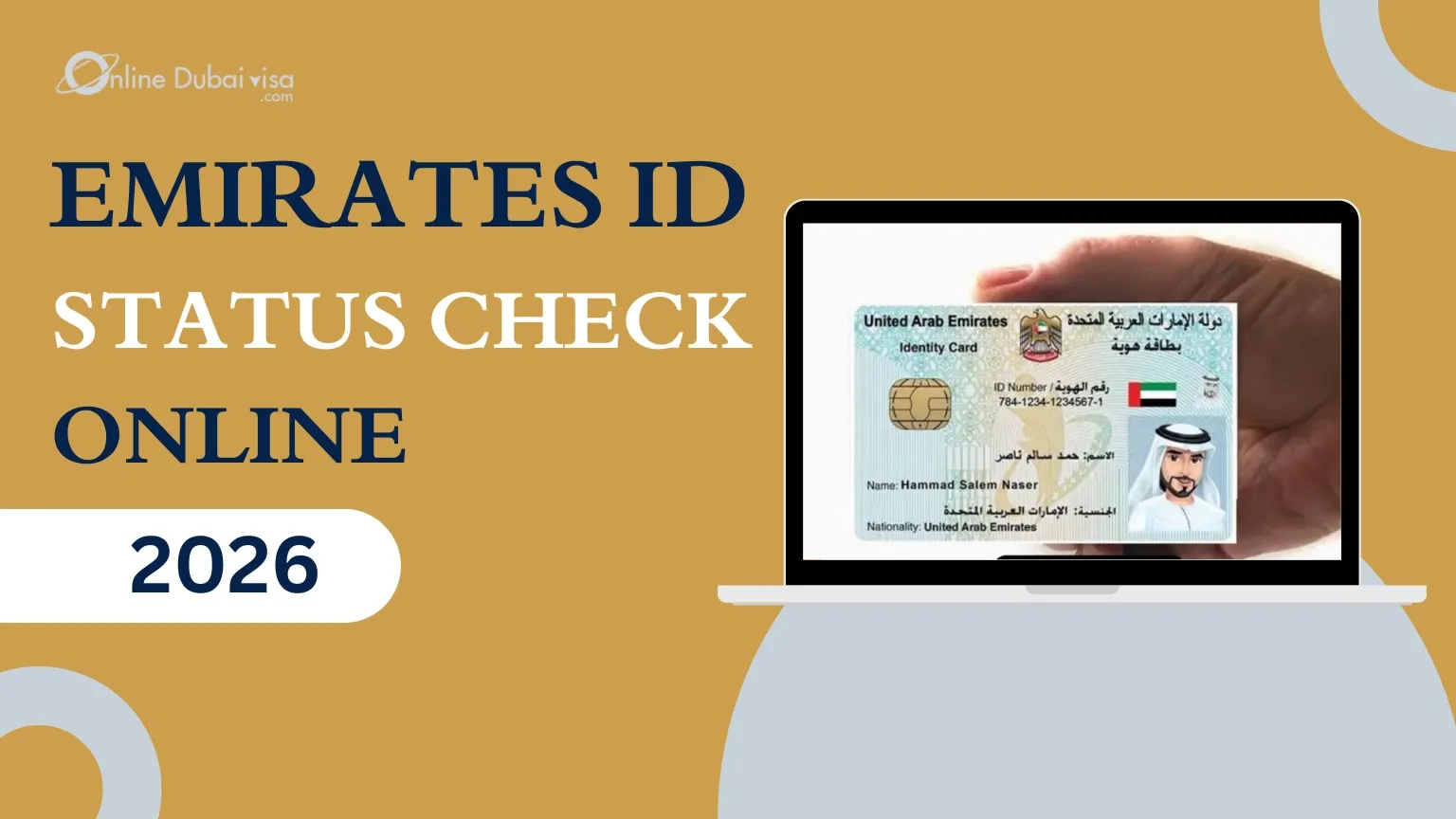
An Emirates ID Status Check helps you track the process of your Emirates ID application, renewal, or replacement online. Whether you want to perform Emirates ID Tracking using your PRAN or Emirates ID number, the process is simple, free, and available through the official ICP portal.
In this guide, you will learn how to check your Emirates ID Application Status, understand status updates, track card delivery, know the expected processing time, and find solutions if the application is delayed.
The Emirates ID Status refers to the current stage of your Emirates ID application, renewal, replacement, or card issuance process. It allows applicants to track their application in real time through the official ICP system, from submission & verification to card printing and delivery.
By performing an Emirates ID Status Check, you can find out whether your application is reviewed, approved, printed, dispatched, or ready for collection. Keeping track of your status helps you stay informed, avoid unnecessary delays, and know when your Emirates ID card is available.
Regularly checking your UAE Emirates ID status helps you stay updated on your application and avoid unnecessary delays. It lets you know whether your application is being processed, if any additional action is required, or when your card is ready for collection or delivery.
Here are the main benefits of Emirates ID Status Check:
You can complete an Emirates ID Status Check Online in just a few minutes through the official ICP portal. You'll either need your Application number or Emirates ID number to track your application.
There are different methods to check your Emirates ID status depending on the information available to you. The most common methods are checking the status through the PRAN Number, Emirates ID Number, or Passport Number.
If you have recently applied for a new Emirates ID, renewal, or replacement, you can easily track your application using the PRAN Number (Application Number).
Major steps include:
Some users may want to check Emirates ID Status using their Passport Details. So they can check their Emirates ID status simply by following the given steps:
You can perform an Emirates ID online check by using the most convenient way for residents who want to check the status regularly, i.e., the ICA UAE Smart Application.
The UAE Pass App provides a secure way to access various government services using a digital identity. If you have an active UAE Pass account linked to your Emirates ID, you can use it to access your personal information and related services without repeatedly entering your details
When you perform an Emirates ID Status Check, the tracking system shows different messages based on the current stage of your application. Understanding these status updates helps you know whether your Emirates ID is still being processed, printed, or ready for delivery.
Here are some common Emirates ID status Messages and their meaning:
| Status Message | Meaning |
| Application Received | Your Emirates ID application has been submitted successfully and is waiting for processing. |
| Under Processed / Under Review | Your application is being verified by the relevant authorities. Additional checks may be completed during this stage. |
| Approved | Your application has been accepted, and the card issuance process will continue. |
| Card Printed | Your Emirates ID card has been successfully printed and is ready for the next stage. |
| Dispatched | Your card has been sent for delivery or transferred to the collection center. |
| Ready for Collection | Your Emirates ID is ready for pickup from the selected delivery location. |
| Objection/Rejected | Your application needs to be corrected as there is an issue with it. Visit the nearest ICP center to resolve the issue, an unresolved objection may lead to a delay in your entire residency process. |
The Emirates ID processing time depends on the type of application, completion of the required procedure, and verification of submitted details. In most cases, the standard processing time for issuing a new Emirates ID card is around 5 working days after completing the required steps and approval of the application.
The processing journey usually includes application submission, document verification, biometric completion (if required), approval, card printing, and delivery. Once the application moves through each stage successfully, you can track the progress through Emirates ID Status Check.
Average Emirates ID processing Timeline:
| Standard Applications | 5-10 working days after Biometrics |
| Urgent Applications | Within 24 working Hours |
| Delivery | Usually within 1-2 weeks via Emirates Post |
After your Emirates ID card is printed your can easily track its delivery status to know when it will be available for collection or delivered to your registered address. The Emirates ID Delivery Status can be checked through the official tracking channels once the card has been dispatched.
Steps to Track Emirates ID Delivery:
Your Emirates ID Application Status may be delayed due to issues with verification, documents, or processing. Some of the common reasons include:
If your Emirates ID is delayed, there is no need to worry, but it is important to check the reason behind the delay and take the right steps. A delay can happen due to incomplete documents, pending verification, biometric requirements, or issues with application details.
Steps to follow if your Emirates ID is delayed:
If you have any pending fines related to your Emirates ID or identity services, you can check and pay them online through the available UAE government service channels. Completing an Emirates ID Fine Check before payment helps you identify any outstanding penalties and avoid issues with future applications or renewals.
Steps to check and pay Emirates ID Fine Online:
You can check your Emirates ID Renewal status online using the same ICP tracking service used for new applications. Simply enter your PRAN or Emirates ID number to view the latest updates on your renewal request.
After submitting your renewal application, you can track each stage, including application review, approval, card printing, and delivery. Regularly checking your renewal status helps you stay informed and quickly respond if any additional documents or verification are required.
If your Emirates ID is lost, stolen, or damaged, you should report it immediately and apply for a replacement through ICP. Once your replacement request is submitted, you can track its progress online using your PRAN or Emirates ID Number.
The tracking process lets you monitor each stage of your replacement application, including verification, approval, card printing, and delivery, so you know when your new Emirates ID is ready.
Yes, you can check Emirates ID Status online through the official ICP portal using your PRAN or Emirates ID Number.
Check your application status online. If the status shows “Ready for Collection,” you can collect your card from the designated location.
Visit the ICP tracking service, enter your PRAN or Emirates ID Number, and submit the details to view your application status.
Once your card is dispatched, you can track its Emirates ID Delivery Status through the official delivery tracking service.
PRAN (Personal Registration Acknowledgment Number) is a unique application number issued when you apply for a new Emirates ID, renewal, or replacement. It is basically used to track your application.
In some cases, passport details are used for verification. However, the official tracking service primarily requires a PRAN or Emirates ID number, but with another method, it can be done using the Passport Number.
“Card Printed” simply states that your Emirates ID card has been successfully printed and is ready for the next stage.
“Under Review” generally means that the application is being verified by the relevant authorities. Additional checks may be completed during this stage.
In most cases, the standard processing takes around 5 days after completing all required fields.
Yes. After your card is dispatched, you can track its delivery status through the official tracking service.
Check your application status, verify your documents, complete any pending requirements, and contact ICP if the delay continues.
Yes. You can check your Emirates ID using your mobile browser or the UAE Pass App.
Yes, the official ICP Emirates ID status tracking service is free to use.
Submit a renewal application through the ICP portal or an authorized service center, then track the renewal using your PRAN or Emirates ID Number.
Report the lost card, apply for a replacement through ICP, and track the replacement request online.
Sometimes the application may get rejected, there is no need to worry. Simply identify the specific errors, correct the issue, and resubmit the application.
The applicants are required to take their original passport along with the SMS notification received when the card is ready.









www.onlinedubaivisa.com is a site operated by Travejar Tourism LLC, a travel agency registered in Dubai under number 1835447. Commercial License Number: 1115447 issued on Nov 9th 2022.